.png.022b5452a8f28f552bc9430097a16da2.png)

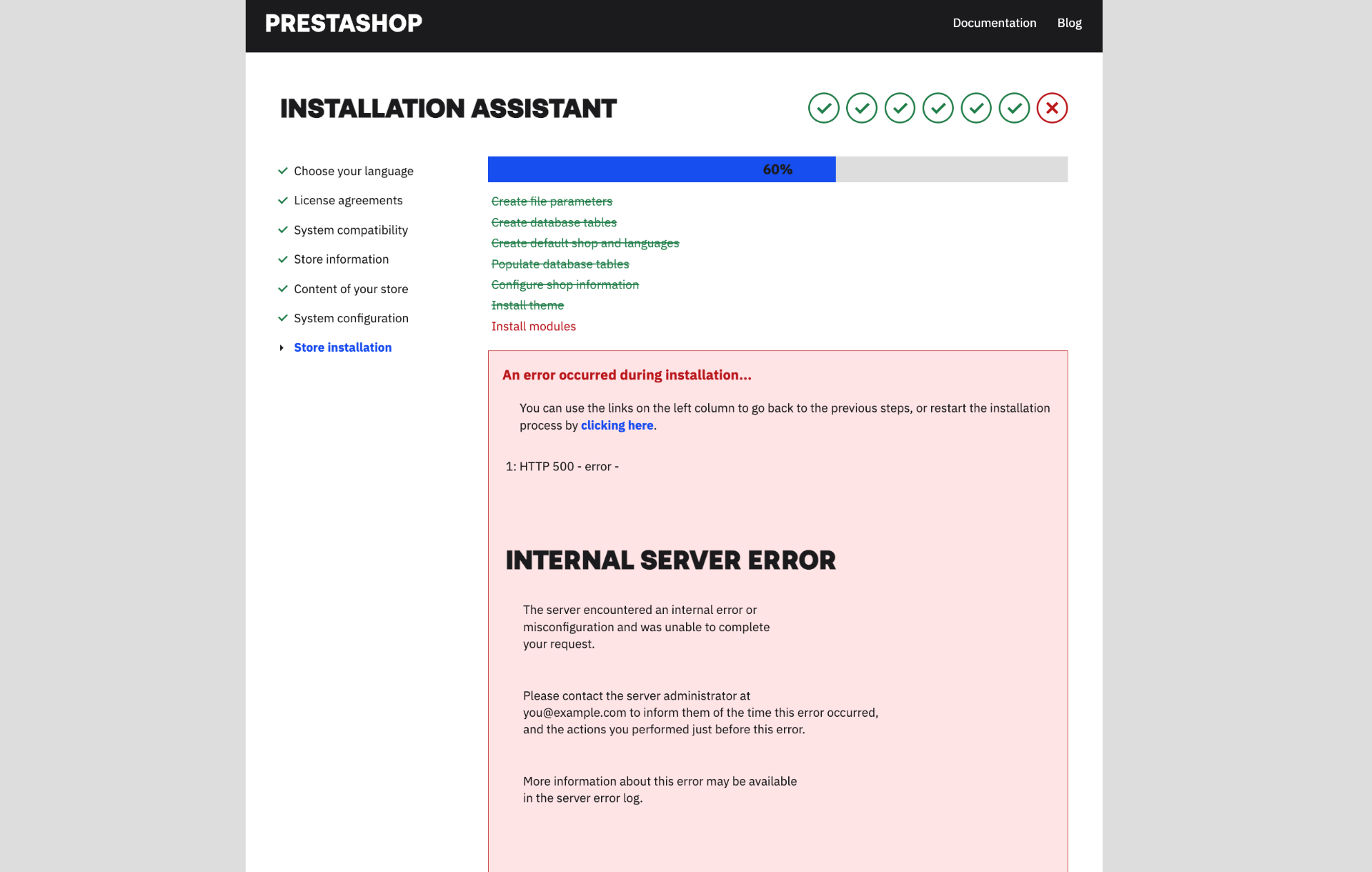
Hi, Still i was getting this error while installing 9.0.2-2.1 , i am using MAMP (mac os),I am encountering an HTTP 500 error in the 'Install themes' and 'Post-installation scripts' sections. Sometimes, the error occurs earlier in the 'Create default shop and languages' section. Could you please help me resolve this issue?
Prestashop Version - v9.0.2-2.1
PHP -v8.3.14
MAMP -v7.2
On 11/21/2025 at 9:30 PM, darkin said:I was getting 500 error when there where problems with folder/file permissions. Try to make your mane folder (where you're installing presta, like /html/shop with permissions 777, check that mode_rewrite is enabled, check that apache conf file has AllowOveride All (if this setting is not on, later you'll get error when accessing Admin panel) -> using terminal or file manager open apache2.conf file for edit (/etc/apache2/apache2.conf)
In that config file locate "<Directory /var/www/>" directive and look for "AllowOverride None" line and change to "AllowOverride All"
Restart apache server
Delete previous presta9 install and reinstall it.
It worked for me and I can log into Back Office (admin account)
Goodluck
even i tried this ,still remain same...